
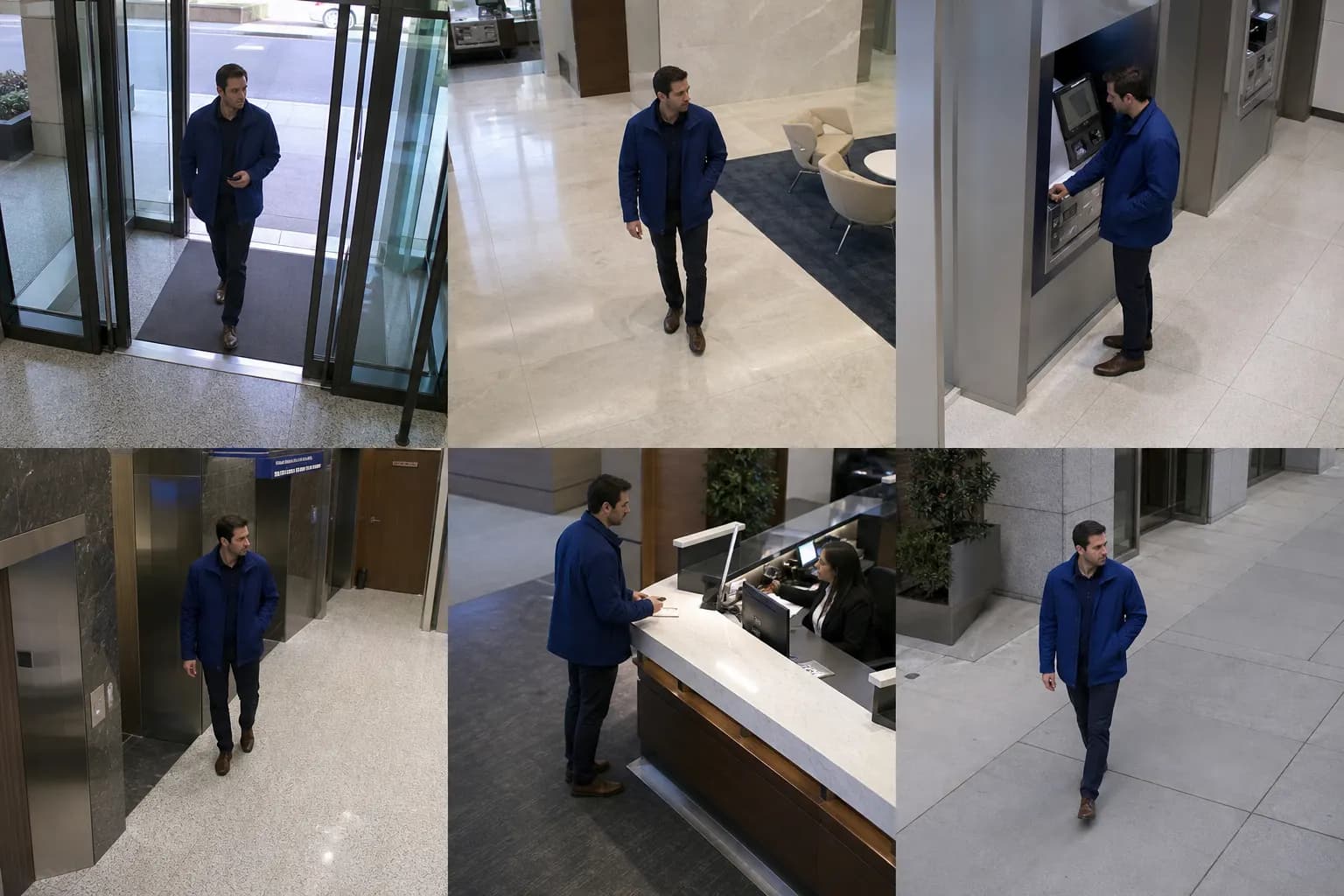
 98% match
Camera 01Context attached
Agentic video search
Describe a person, object, place, action, or event in plain language and review the matching camera evidence where search is configured.
Search the camera archive
Type a question, run the search, and inspect the camera sightings that match the configured index. The demo uses representative branch footage to show the interaction pattern.
Describe a person, object, place, or event in plain language.
6 matching sightings found
98% match96% match93% match91% match88% match86% matchDescribe the visual detail or action you want to find instead of guessing a camera first.
Narrow a question by date, time, site, or selected cameras where those filters are available.
Review matching clips or frames with camera and timestamp context attached.
Select the result worth sharing, exporting, bookmarking, or passing into the next workflow.
A practical boundary
Semantic video search depends on the available footage, stream access, analytics or embeddings, retention, and the quality of the visual signal. AEyeTech should validate those conditions with representative sources before promising a specific search experience.
The goal is faster investigation and better evidence. No model can recover every detail from every recording.
Search one real archive