01
Search video by description
Describe a person, object, or event. AEyeTech returns matching sightings from the cameras you select.
AEyeTech connects to compatible streams. Operators can search footage, define events, and review evidence in one workspace.
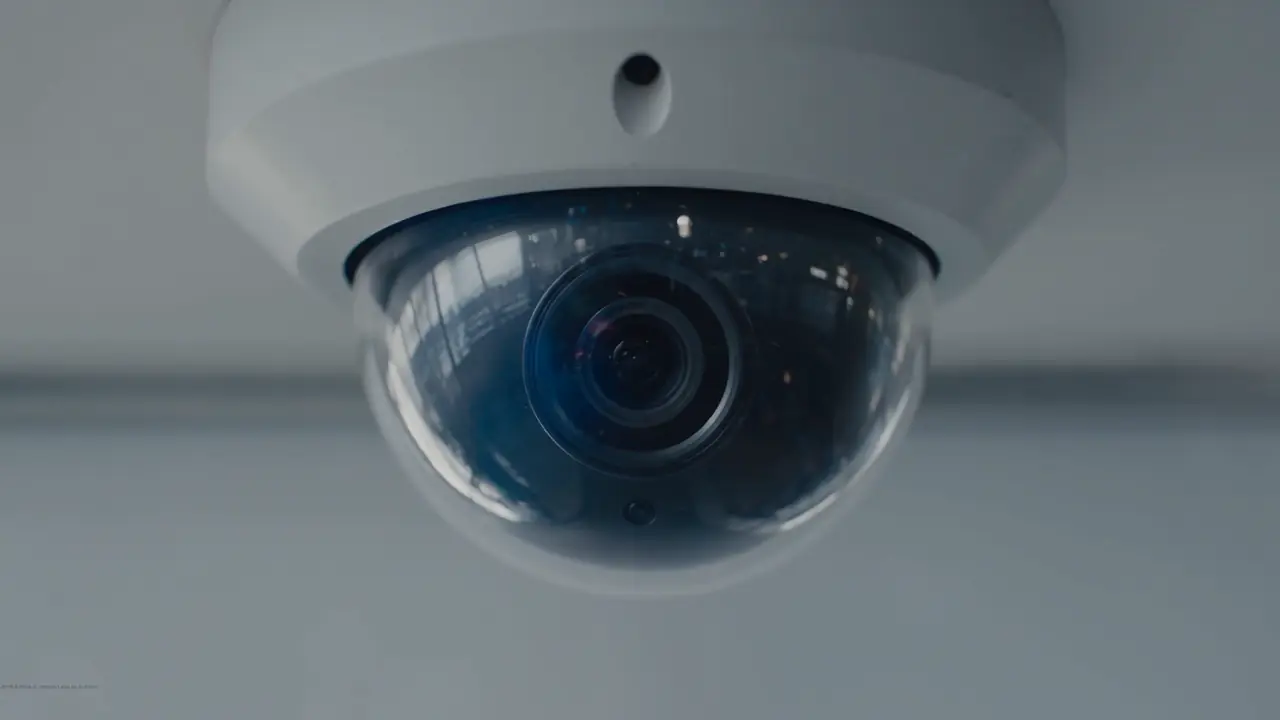 Compatible stream connected
No generic product tour. We use the cameras, events, and response workflow that matter to your team.
Describe a person, object, or event. AEyeTech returns matching sightings from the cameras you select.
Define the conditions your team needs to know about, including site-specific safety and security events.
Route the camera, time, event, and supporting clip to the people responsible for the response.
Review sightings and related events without switching between separate camera systems and exports.
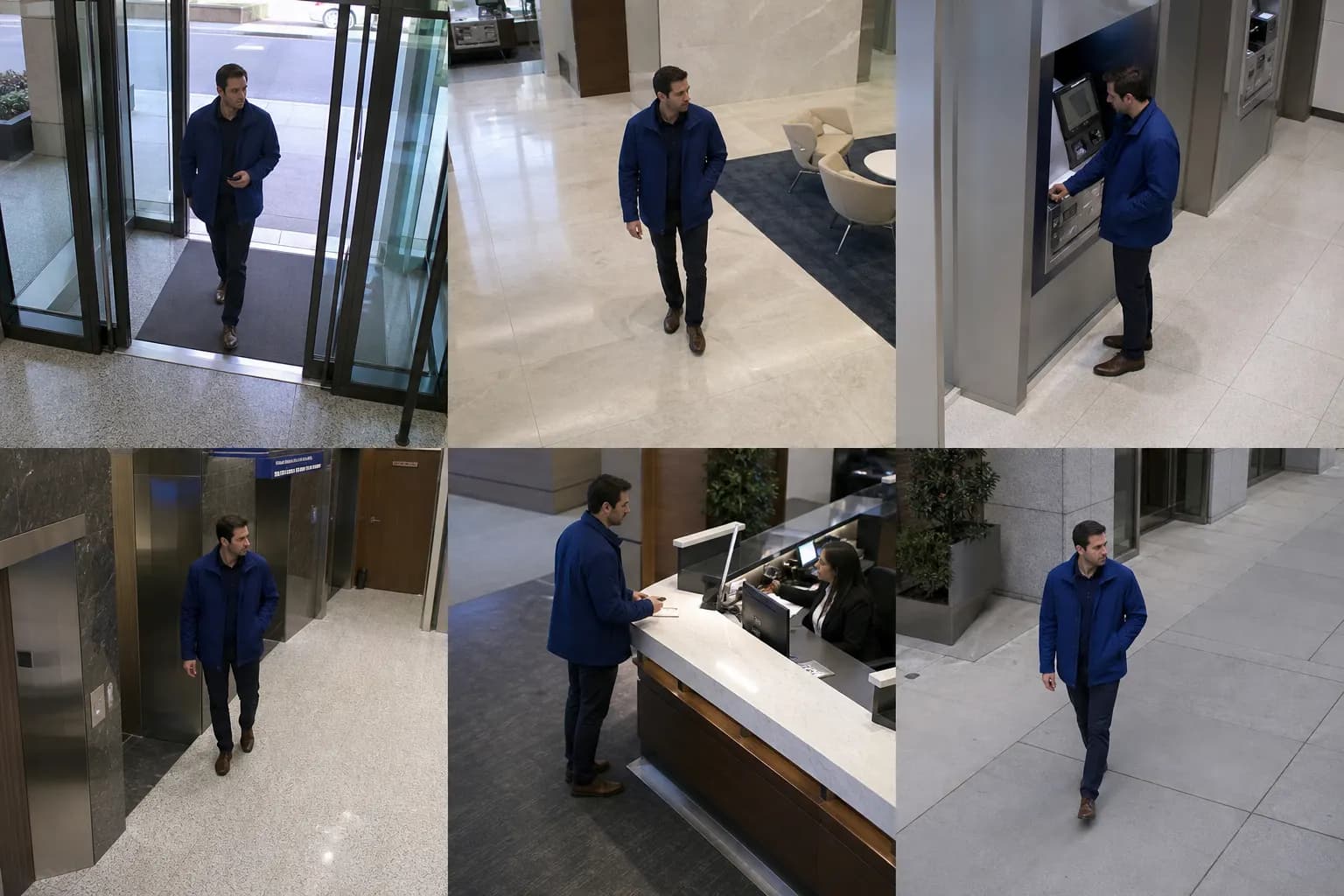 Six related sightings
Describe what happened. AEyeTech checks connected cameras and returns matching sightings with time and location.
Use existing camera coverage to investigate incidents, watch for defined events, and understand site activity.

Investigate incidents, follow movement between cameras, and give operators useful evidence.
Explore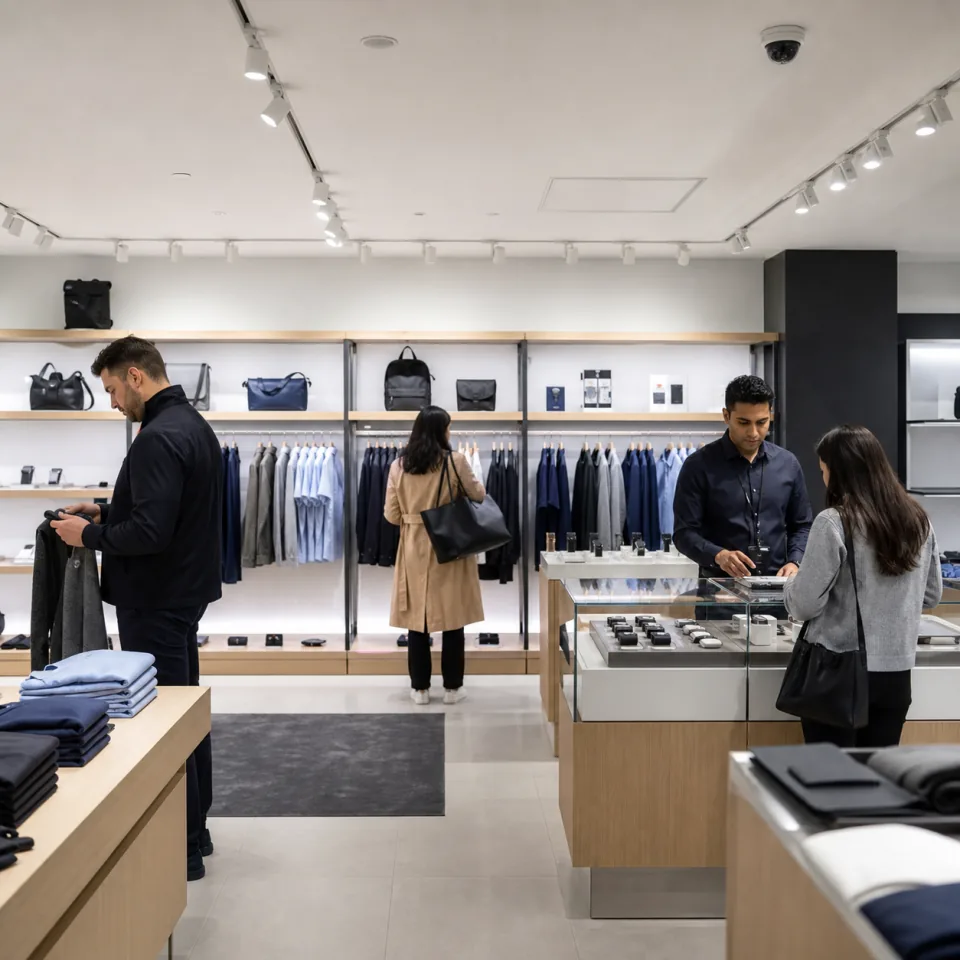
Review suspicious activity and understand what happened around a transaction or store event.
Explore
Watch for unsafe conditions and give site teams a clear event record to review.
Explore
Track movement through operational areas and spot the events that slow work down.
ExploreChoose a deployment model that fits your video, network, latency, and governance requirements.
Explore AI infrastructureRun analysis close to the camera when latency and bandwidth matter.
Keep processing inside infrastructure your team controls.
Bring configured events from multiple sites into one operational view.
We'll show how AEyeTech would search, detect, or route that event using a representative setup.