Private AI infrastructure

Run vision AI on your terms

From edge devices to GPU clusters, run AI on infrastructure selected around your data, security, and scale requirements.
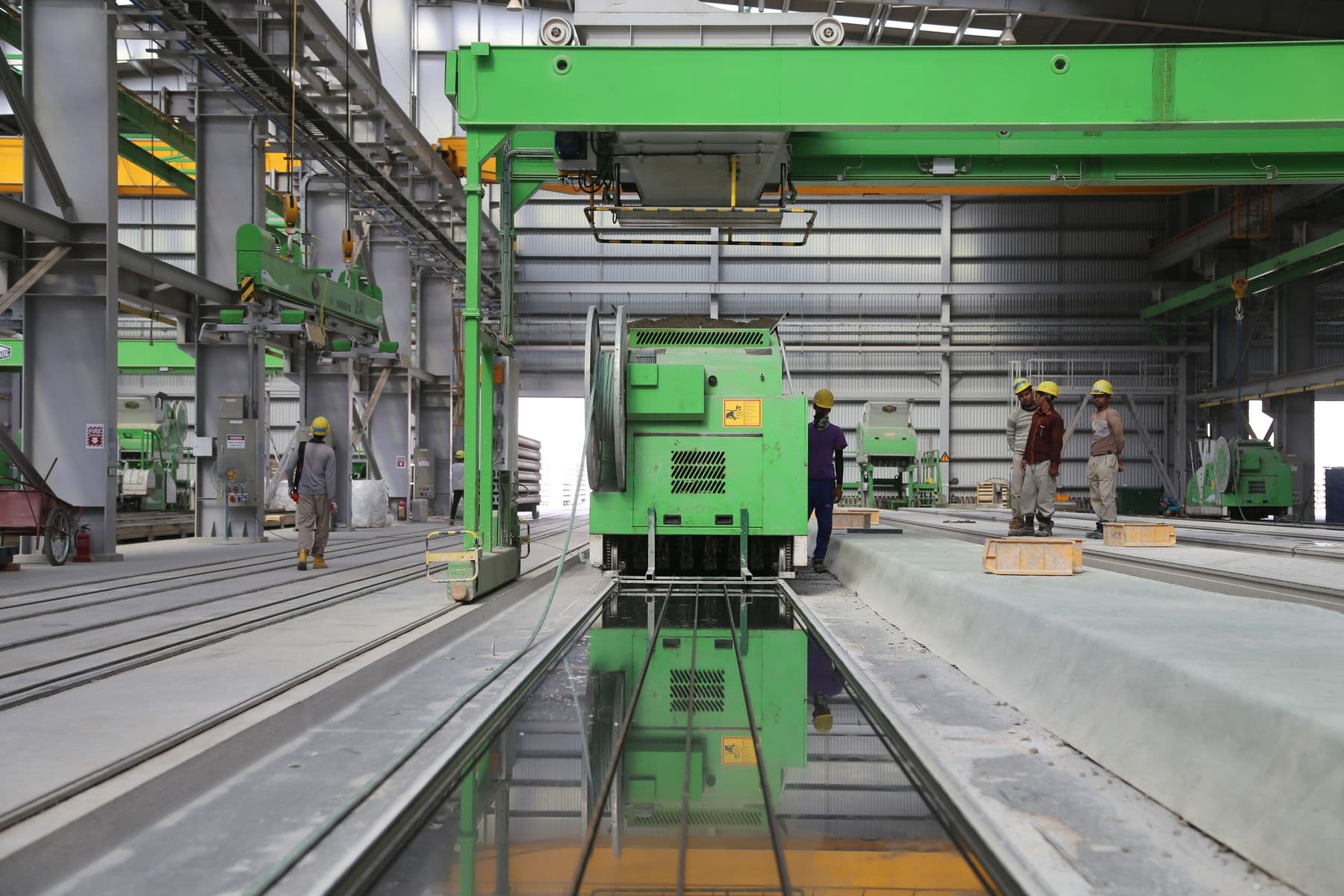
Operations team working beside industrial equipment
PRIVATE AI • EDGE TO GPU

What cloud-only processing changes

Cloud-only AI can create tradeoffs in privacy, control, resilience, and long-term economics.
01

Data movement

Sending proprietary data to third-party APIs can expand your security, residency, and governance surface.
02

Provider dependence

Relying on external providers introduces service availability, rate-limit, and vendor-governance dependencies.
03

Usage costs

Usage-based pricing can become difficult to forecast as workloads and retention requirements grow.
04

Governance work

Data protection, residency, and industry obligations require deliberate architecture and documented controls.

Three places the workload can run

Three deployment layers that can be combined around the camera estate, data boundaries, and operating workflow.
01

Edge systems

Run supported inference near the cameras when site-level response, connectivity, or bandwidth shapes the design.

  • On-premise camera and sensor processing
  • NVIDIA Jetson or other qualified edge systems
  • Local inference sized to the workflow
02

Private GPU infrastructure

Use dedicated compute in a controlled environment when governance, integration, or capacity requirements call for it.

  • On-premise or private-hosted GPU infrastructure
  • Controlled data and model handling
  • Capacity sized to streams and supported workloads
03

Hybrid deployment

Combine edge, on-premise, and cloud services where each is appropriate for the workflow.

  • Defined software and model lifecycle
  • Site-to-central coordination where configured
  • Health and event visibility across integrated systems

Process

From assessment to production

A practical deployment path from infrastructure assessment through production operations.
  1. Assess and design

    We review infrastructure, data flows, and the target workflow to recommend a testable deployment topology.
  2. Deploy infrastructure

    Provision the agreed compute, network paths, stream access, and supported models within the project scope.
  3. Operate and scale

    Define monitoring, update, support, and capacity responsibilities before the deployment expands.

Private AI across industries

Deployment patterns for camera-driven workflows with deliberate processing, access, and retention boundaries.
01

Retail analytics

Footfall, flow, and loss-prevention workflows with processing placed around site requirements.
02

Video intelligence

Intelligent video analytics with local-processing options and configurable alert workflows.
03

Logistics operations

Yard, bay, queue, and asset-flow analysis on infrastructure matched to the site.
04

Banking and controlled access

Branch, ATM, and restricted-area video workflows with controlled retention and access.
05

Industrial operations

Configured safety, zone, and process-monitoring workflows near the physical operation.

Built around your environment

Deployment choices for teams that need control over processing location, integrations, and operations.
01

Keep processing in your environment

Choose an on-premise design that keeps video processing within your controlled infrastructure.
02

Reduce external dependencies

Run core inference on infrastructure you control and integrate external services only where your architecture requires them.
03

Support data-protection controls

Design for data residency, access control, auditability, and privacy workflows. Compliance remains specific to each deployment.
04

Infrastructure through workflow

Coordinate qualified compute, camera streams, supported models, and operational integrations within an agreed deployment scope.

Choose where your AI runs

Build an AI stack around infrastructure you control, with on-premise processing and integrations chosen for your security and scale requirements.