
01
Camera and stream access
Review supported protocols, codecs, resolution, frame rate, credentials, and network reachability.
Existing camera estates
Assess the estate, connect representative streams, and validate one useful workflow before asking the organization to replace its infrastructure.
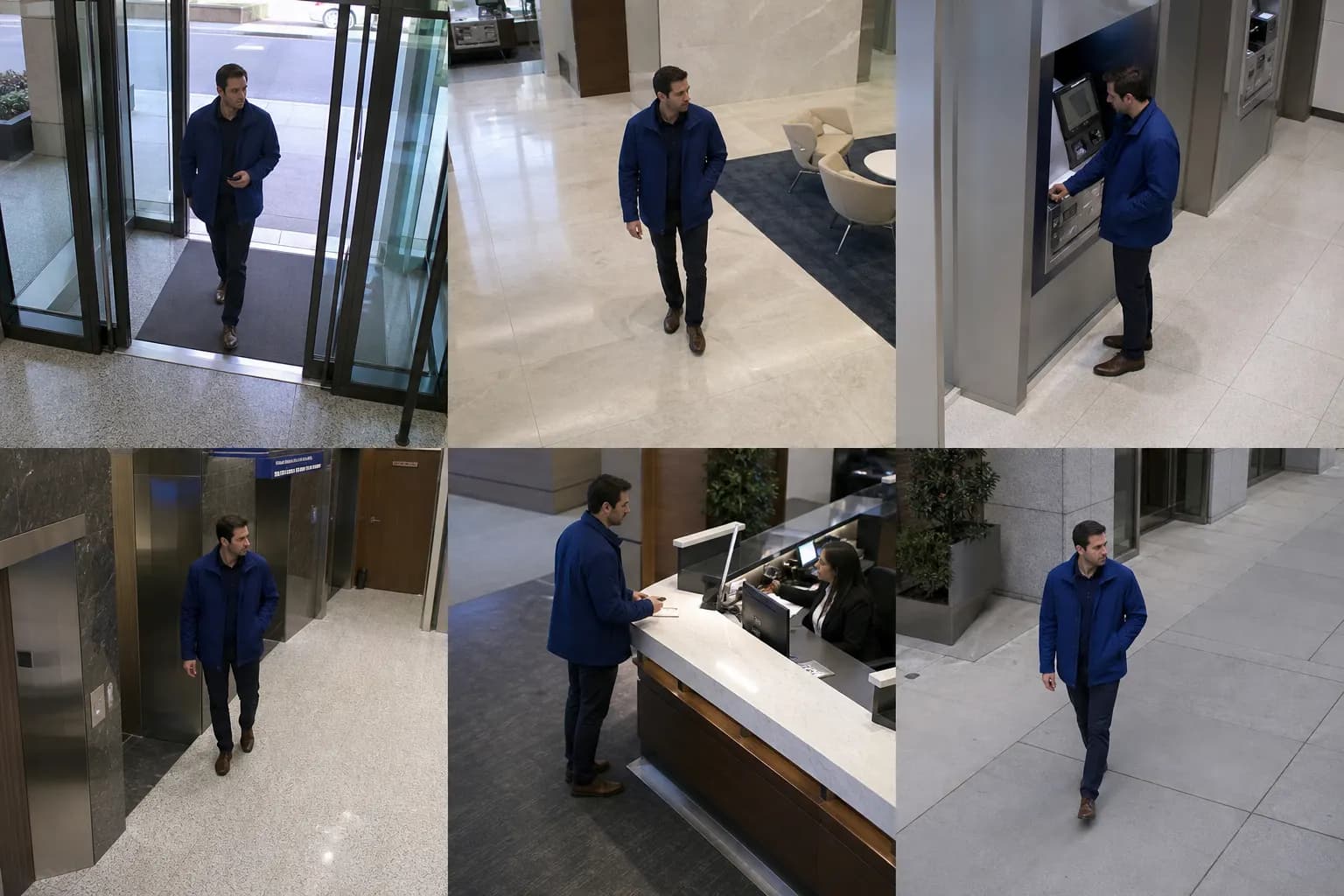
Review supported protocols, codecs, resolution, frame rate, credentials, and network reachability.
Understand where recordings, metadata, events, and permissions are managed today.
Connect cameras to sites, zones, time windows, and the operational people who use them.
Test the event, search, evidence, or flow question on representative sources before scaling.
A safe migration path
Integration without lock-in language
Open interfaces and supported protocols can make it possible to build around existing equipment, but the exact compatibility matrix must be assessed. Closed platforms and unsupported streams may require a different integration path.
That is why the first step is an estate review, not a blanket promise that every camera will work.
Assess the estate